



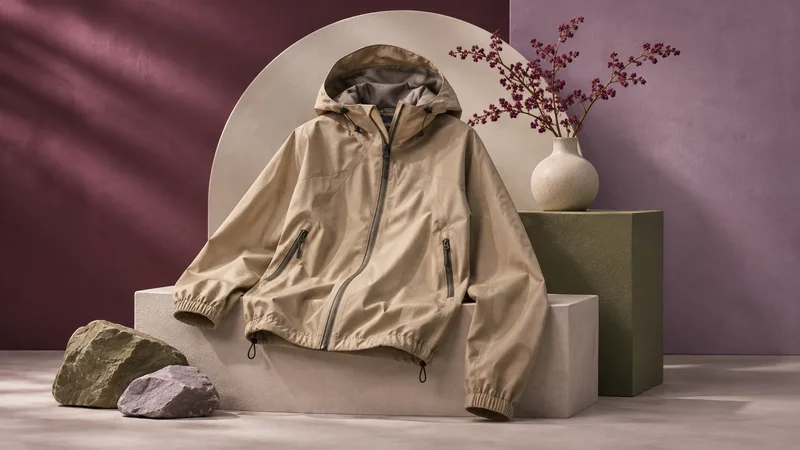






 Shoes / Off-WhiteOff-White Arrow Sneakers SneakersUSD 83.80Estimated · CNY 559.00 reference

Independent browsing guide
Superbuy Spreadsheet – Discover Product Finds
Find a model, compare saved listings or browse twelve categories. Open the corresponding product record on W2C Yupoo to confirm the details.
Browse by Brand
All Brands






































What is the Superbuy Spreadsheet?
It’s an independent guide to saved product listings, with twelve categories and search by product name, brand or Source ID. Product cards take you straight to the corresponding W2C Yupoo record.
Browse by Category
All categories ↗Featured Finds
See all 24 selected finds ↗ Shoes / Off-WhiteOff-White Arrow Sneakers SneakersUSD 83.80Estimated · CNY 559.00 reference 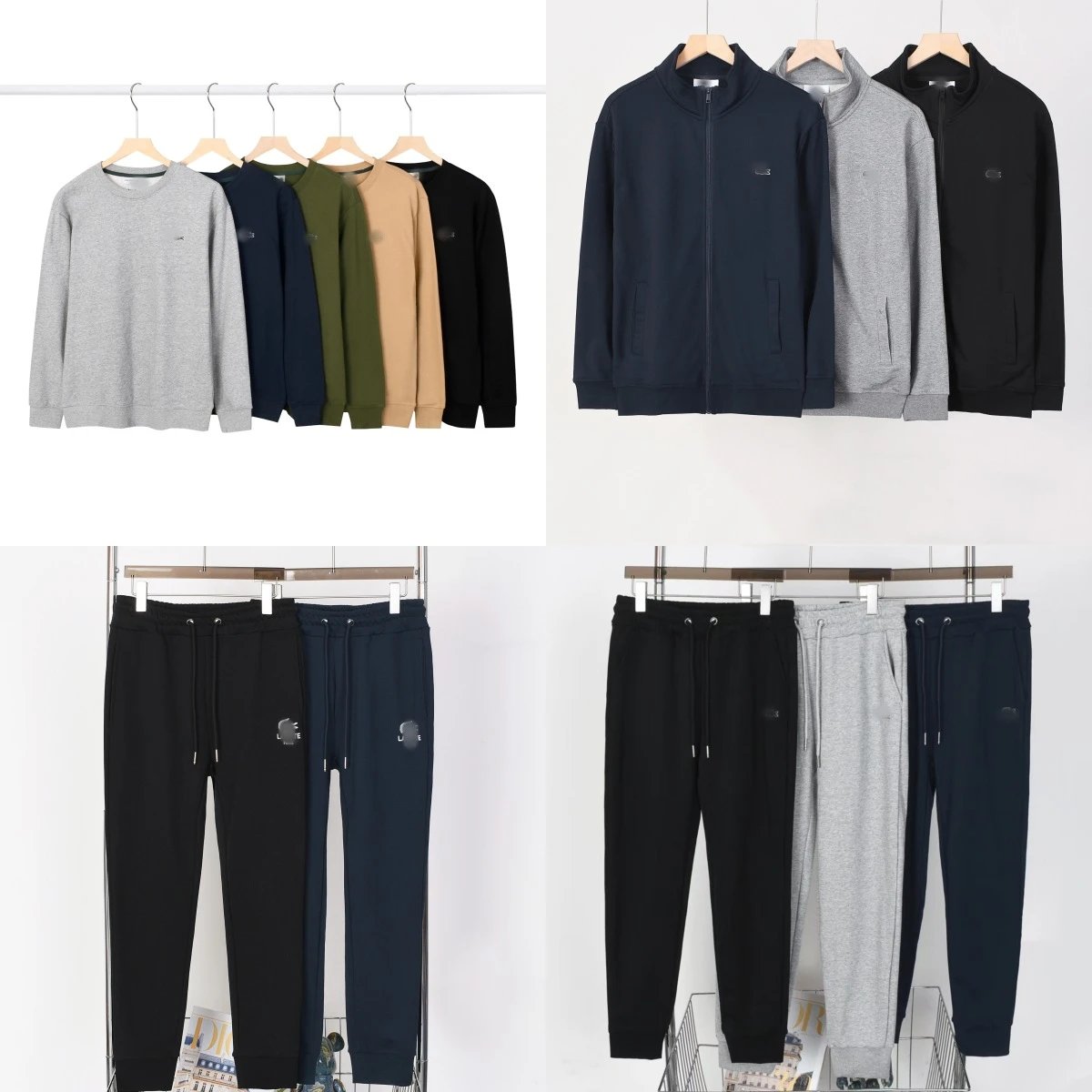 Hoodies & Sweaters / LacosteLacoste Hoodies/SweatersUSD 17.24Estimated · CNY 115.00 reference
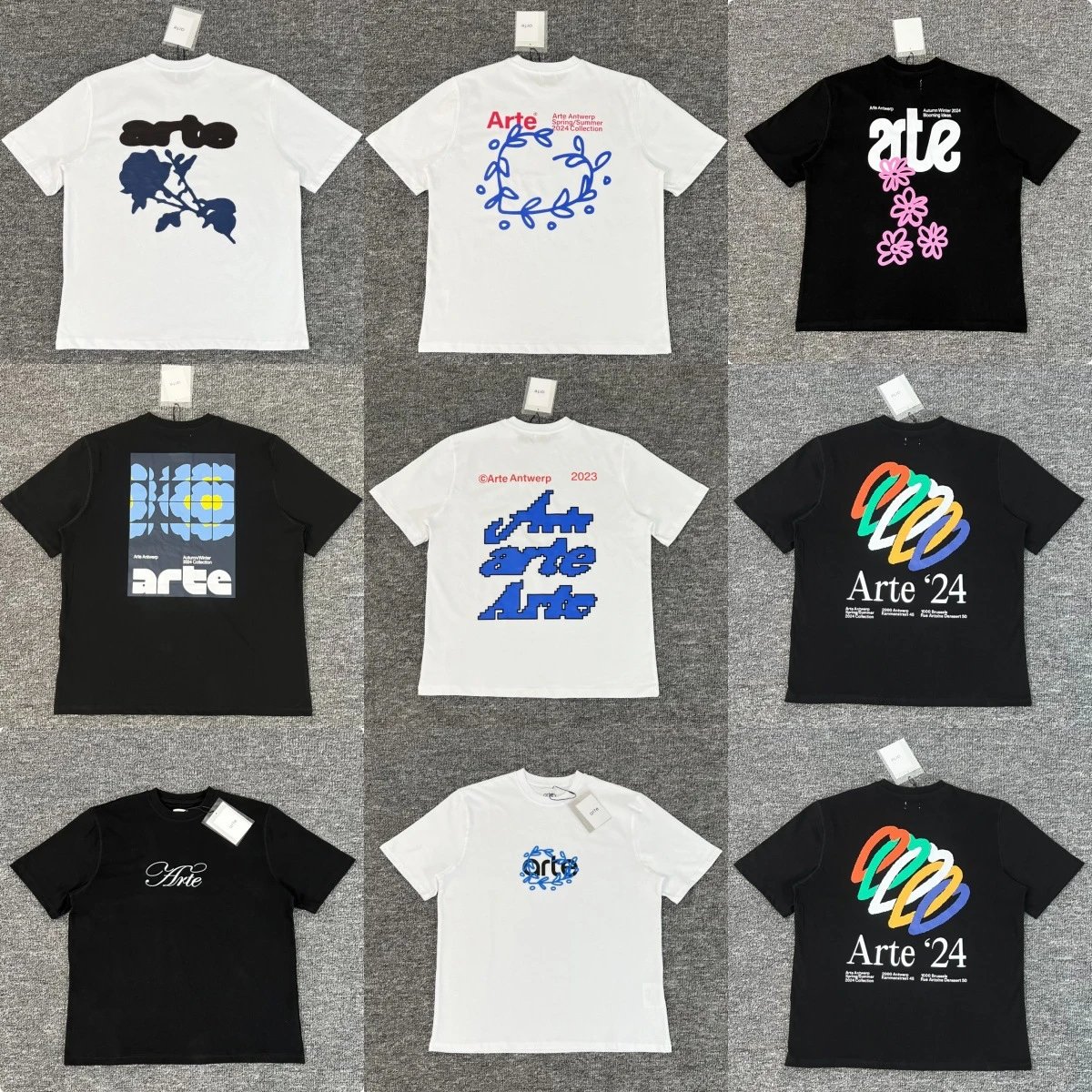 T-ShirtsArte Antwerp T-ShirtsUSD 10.04Estimated · CNY 67.00 reference
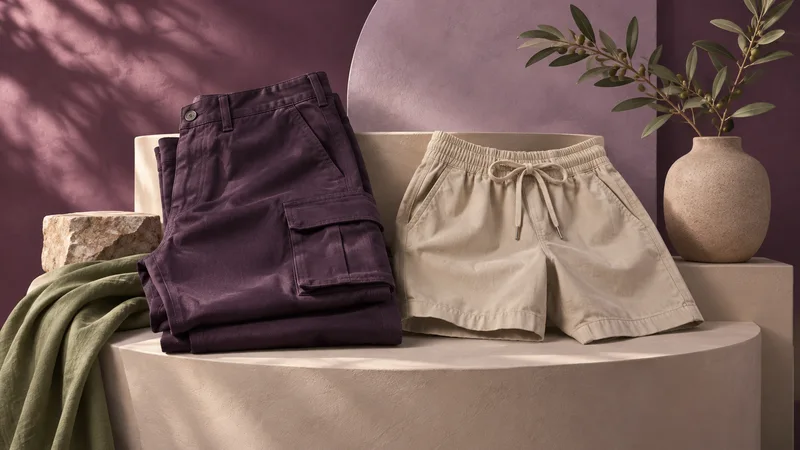
 JacketsHoodieUSD 17.99Estimated · CNY 120.00 reference
How It Works
- Find a starting point
Look up a model or Source ID, or choose a category.
- Build a shortlist
Compare saved photos and reference prices. Check the same option on each record.
- Check the product record
Open the listing on W2C Yupoo to confirm the current details.
Product Research Guides
All Guides ↗


News & Finds
All News ↗

Tech
Compare Over-Ear Headphones for Desk Use
Check connection options and the space headphones need beside a laptop.
Read story

Other Stuff
Measure the Shelf Before Saving a Model Car
Compare 1:32 and 1:24 model car records for the space you have available.
Read story

Accessories
Measure a Belt from the Hole You Use
Use your preferred buckle-to-hole measurement to compare two belt listings.
Read storyFrequently Asked Questions
Where do product links go?
Each product card opens its corresponding record on W2C Yupoo. Use that page to check the current listing details.
What does the USD price mean?
It is an estimate converted from the saved CNY reference price. Check the price for your exact option and any separate charges before ordering.
How can I find an item again?
Save its Source ID, then enter that number in Search. See the Source ID guide for a walkthrough.

Explore the full spreadsheet
Open the full catalogue on W2C Yupoo to browse categories and check listing details.
Open full spreadsheet